Visible vs Juno (2026): Pacing and Symptom Tracking

Juno is your 24/7 personal health assistant for life with chronic illness. Understand patterns, track symptoms over time and prepare for appointments, without needing a dedicated band.
Quick answer
Juno is your 24/7 personal health assistant for a broad range of chronic conditions. It helps you track symptoms, explore patterns and understand your health history through conversation, without a dedicated band. Visible focuses on pacing for energy-limiting illnesses; its live heart-rate features require a paid membership and compatible band.
Choosing an app when you live with chronic illness is partly about what you need to remember, and partly about how much effort remembering takes. You might want a nudge to pause during the day, a record of changing symptoms, or help explaining the last few weeks at an appointment.
Juno is built around having a personal health assistant for life with chronic illness. You can talk about how you feel, build a symptom history and ask for help understanding patterns over time. Visible specialises in pacing for energy-limiting illnesses, with its live heart-rate features tied to a compatible band and membership. [2] [3] [6] [7]
This comparison is published by Juno and uses the companies’ linked product information and Juno team information, checked on 14 September 2026. We have not tested the apps head to head. Jump to the comparison table or compare the costs.
Visible vs Juno at a glance
| What matters to you | Visible | Juno |
|---|---|---|
| Main focus | Pacing for energy-limiting illnesses, with structured illness tracking. [1] [2] [6] | Your 24/7 personal health assistant for a broad range of chronic conditions. [7] [8] |
| Conditions | Focuses on energy-limiting illnesses such as Long Covid, ME/CFS and POTS; also highlights fibromyalgia and EDS. [6] | Broad chronic-illness support, including lupus, MS, endometriosis, fibromyalgia, Long Covid, ME/CFS and POTS. [7] |
| Daily routine | Morning, Evening and Monthly check-ins; continuous heart-rate data with membership and a band. [1] | Talk or type naturally; Juno can record symptoms from the conversation and keep the context you share. [7] |
| Pacing | Membership adds heart-rate zones, PacePoints and pacing notifications. [2] [9] | Talk through changes in your energy and symptoms using the daily context you share. [7] |
| Patterns | View trends and compare two tracked factors in charts. [11] | Explore changes across your shared symptom history and health context, with explanations in plain language. [7] |
| Appointment reports | Health Report PDF and CSV export available in the free app; requirements and exclusions apply. [1] [4] [5] | Turn your recorded health history into a clear PDF summary for an appointment. [7] |
| Hardware | A compatible band is required for live heart-rate pacing and PacePoints. Free check-ins and Trends work without it. [1] [3] | No dedicated band needed for conversations, symptom tracking or appointment summaries. [7] [8] |
| Cost | Free app, or paid membership plus a separate band purchase if needed. [1] [2] | Juno Pro is listed at $19.99/month or $99.99/year; local prices and allowances are shown in the app. [8] |
The practical questions are whether you need a band-based pacing tool, whether that focus fits your condition, and how you want help understanding the information you collect. Juno is built around ongoing personal support and your wider symptom history. [2] [3] [6] [7]
Juno: your 24/7 personal health assistant
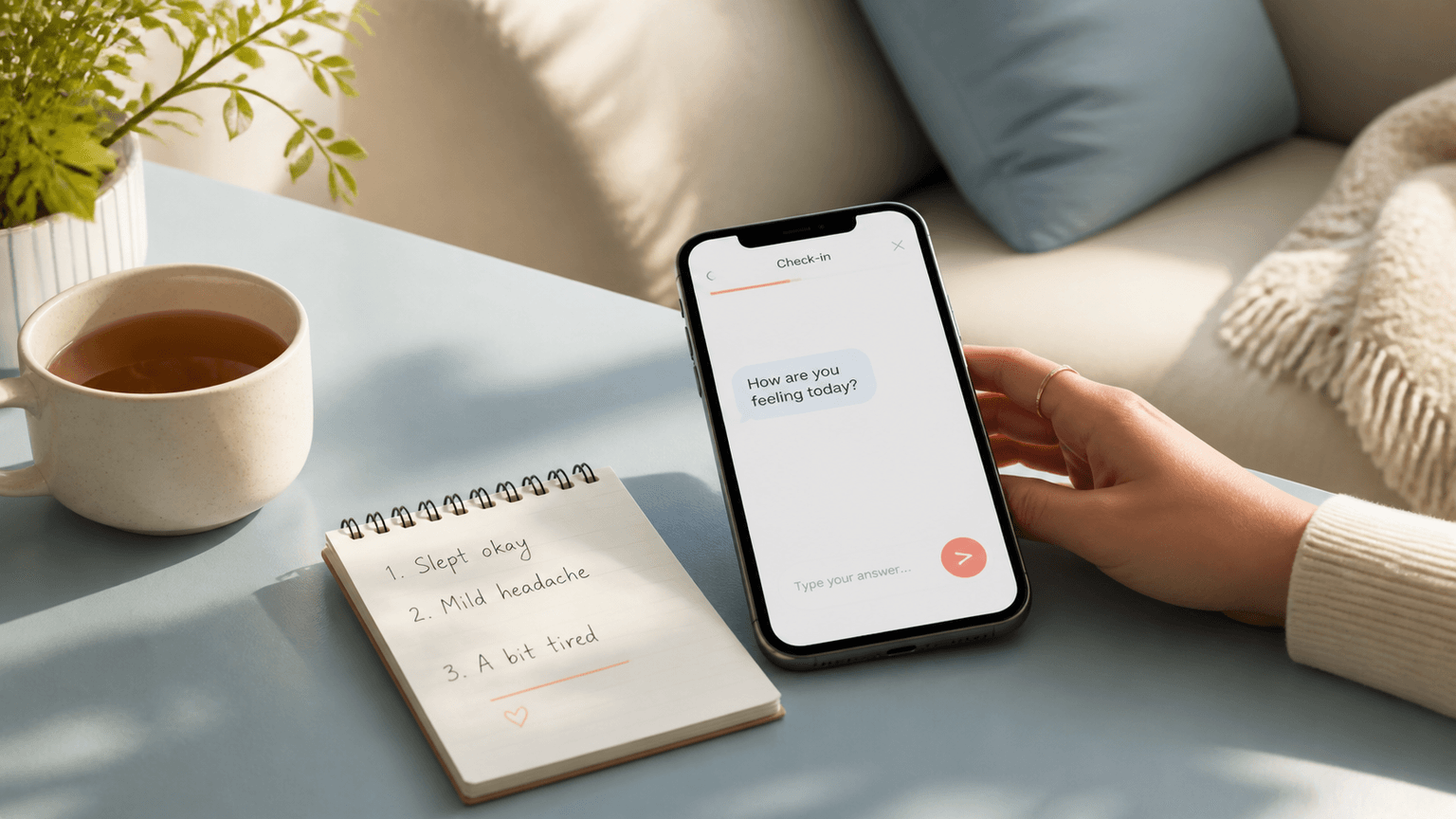
Living with chronic illness brings questions between appointments as well as during them. Juno gives you a place to talk things through by voice or text, at a time that works for you. You can describe how you are feeling, ask a follow-up question or work out how to explain a concern to your clinician. [7] [8]
Juno builds on the conversations, biometrics and medical history you share. Symptoms can be recorded as you talk, keeping the details with their context: when something started, what changed and how it affected your day. Over weeks and months, you can return to that history, ask about patterns and keep tracking how things develop. [7]
When an appointment is coming up, Juno can turn your recorded history into a PDF summary. You can spend your preparation time reviewing what matters and deciding which questions to ask. Meet Juno, your 24/7 personal health assistant. [7]
Support across a broad range of chronic conditions
Juno is designed for people living with chronic illness across many different conditions. Its published examples include lupus, multiple sclerosis, endometriosis and fibromyalgia, as well as Long Covid, ME/CFS, POTS and EDS. The focus is your symptoms, history and everyday questions. [7]
Visible centres its product on pacing for energy-limiting illnesses. Long Covid, ME/CFS and POTS are prominent examples on its website, alongside fibromyalgia and EDS. That specialised focus may fit well when managing exertion is your main goal. [6]
If your needs also include explaining changing symptoms, remembering what happened between appointments and making sense of a longer health history, Juno’s broader personal-assistant approach is designed to help with that work. [7] [8]
Daily logging: check-ins or conversation?
Visible: a regular check-in routine
Visible’s free app uses your phone camera for a Morning check-in that measures heart rate and heart rate variability, or HRV, and produces a Stability score. Evening check-ins record symptoms, crashes and other details. A Monthly check-in lets you reflect on changes in functional ability. You can review those entries in Trends. [1]
This approach may suit you if you prefer a familiar set of questions and measurements. You do not need to buy the band to try that routine. The wearable membership adds continuous heart-rate data and the option to complete the Morning check-in using the band. [1]
Juno: describe the change in your own words
Juno lets you talk or type about symptoms and can record the details from that conversation. You can explain what happened in your own words, ask a follow-up question and return to the history you have shared. That gives you somewhere to put both the measurements and the everyday context: when a symptom started, what you were doing and how it changed your plans. [7]
For example, you could say, “After my shower I felt dizzy and had to lie down for half an hour.” If speaking is easier than typing, voice may help; if you need quiet or privacy, use text. You can ask Juno to explain unfamiliar terms or help you put your experience into words for an appointment. Check important details in the resulting record. [7] [8]
On a low-energy day, a short set of ratings may feel easier than a conversation, or the reverse. Try the smallest entry you would realistically make. Our guide to tracking without burnout can help you keep the routine manageable.
From tracking symptoms to understanding patterns
Juno helps you review your symptom history together with the context you have shared in conversation. You can ask what changed over a particular period, describe what was happening in your life and ask for an explanation in simple language. Its published approach looks for patterns across conversations, biometrics and medical history over weeks and months. [7]
For example, you might ask, “What changed in my fatigue over the last month?” or “Help me review the days when my symptoms were worse.” You can add details, ask a follow-up question and keep recording new updates, so the conversation develops with your history. [7]
Visible does offer pattern tools: Trends lets you view one factor or compare two factors, such as symptoms and Stability scores, across selected time periods. The distinction is how you work with the information. If you find comparing charts difficult, Juno’s conversational approach gives you another way to explore your history and put questions into words. [7] [11]
A pattern can help you decide what to discuss with your clinician. It does not, by itself, establish what caused a symptom.
Visible’s live pacing features require a band
Visible’s membership uses continuous heart-rate data from a compatible band to provide pacing notifications. PacePoints are an exertion score based on how long you spend in different heart-rate zones. The PaceSetter helps you compare your use of those points with your daily budget as the day progresses. [2] [9]
Access to those live features means using a compatible band and paying for membership. You need to be comfortable wearing and keeping a separate device charged. The free app’s phone-camera measurement, symptom check-ins and Trends remain available without that purchase. [1] [2] [3]
With Juno, you can describe how an activity affected you and keep that context in your symptom history. For example, you might record that a short outing left you exhausted for the rest of the day, then revisit that account before your next appointment. Juno’s focus is helping you talk through and organise your experiences. [7]
Use pacing scores alongside how you feel and any plan agreed with your clinician. Visible explains that heart-rate zones and the budget may need adjustment to fit your experience. A number on an app should not become pressure to finish an activity when you feel unwell. [9]
Appointment reports: making your history easier to explain
Visible’s Health Report PDF is available in its free app. It summarises symptoms, medication and the resting heart-rate and HRV measurements collected through Stability, using charts and rolling averages. It requires 30 days of Morning check-in data, with at least one check-in in the last 30 days. [1] [4]
There are useful limits to know before choosing it for an appointment. Visible’s PDF excludes Monthly check-ins, continuous heart-rate data, heart-rate zones and PacePoints. The separate CSV export includes check-in data and, for members, daily PacePoints and the budget; it still excludes continuous heart-rate data and zones. [4] [5]
Juno can turn the symptom history you have recorded into a clear appointment summary. You can review the main changes, add your questions and bring a readable account of the last few weeks to your clinician. See a sample Juno report. [7]
The choice is about the information and format you want to bring, rather than whether an app offers a PDF at all. Review either report, correct mistakes and add your most important questions before sharing it with a clinician.
Hardware and availability: the practical limits
Visible’s membership features work with Visible Band 2.0 or Polar Verity Sense. An Apple Watch or Garmin cannot replace one of those supported devices for the live pacing features. If you do not want an additional wearable, that requirement matters. Visible’s free app still works without a band. [1] [3]
Visible membership is currently available only in the US and UK. Phone compatibility also matters: its help centre lists iOS and Android requirements and exclusions for some Android devices. Check your exact phone before buying a membership or band. These membership restrictions should not be confused with the free app’s features. [2]
Juno’s personal-assistant features do not require a dedicated band. You can start by describing how you feel, sharing your history and recording symptoms. If you also want wearable measurements, check the connection options and supported measurements currently available in your app. [7] [8]
Pricing and free features
| Option | What to budget for | What to check |
|---|---|---|
| Visible free app | No membership or band purchase required. [1] | Check-ins, trends, Health Report PDF and data export; report requirements apply. [1] [4] |
| Visible membership | Monthly or annual membership, plus a one-off Starter Kit cost if you need a band. [2] | Current membership and hardware prices, phone compatibility and US/UK availability. [2] [3] |
| Juno Pro | Published standard US-dollar price: $19.99/month or $99.99/year. [8] | Your local checkout price, trial terms and the message and call allowances for your plan. [8] |
Visible’s buying guide directs you to its app or website checkout for current prices. Check the first payment, including any hardware, as well as the ongoing membership cost. A membership-only price is not the full starting cost if you also need a band. [2] [3]
Juno’s terms list the standard Pro prices above, with local pricing shown before purchase. Conversation allowances depend on the plan shown in the app, so check those limits as well as the headline subscription price. [8]
Consider Juno if you want a personal health assistant you can return to for conversations, symptom tracking and appointment preparation. The value depends on how much you will use that support, so compare the plan’s message and call allowances with your routine. Visible’s free app is an option for structured check-ins; its paid membership adds the wearable pacing features. [1] [2] [7] [8]
Which app fits your day?
- Choose Juno if you want a 24/7 personal health assistant for chronic illness: help understanding patterns, symptom tracking over time and clearer appointment summaries, without a dedicated band.
- Consider Visible membership if your main need is live heart-rate pacing for an energy-limiting illness, and its band, subscription and location requirements fit.
- Visible’s free app is an option if you prefer structured symptom check-ins and trend charts without a subscription.
If you already have data but still find it difficult to understand what has been changing, Juno gives you a place to ask questions and add context. You can build on your history as you continue tracking, then use it to prepare a more focused conversation with your clinician. [7]
Neither a pacing score nor an AI conversation can determine what is safe for you medically. Use your records to support decisions with your clinician. If you are also considering a custom symptom diary, read our Juno vs Bearable comparison.
Bring your Visible symptom history with you
Many Juno users also use Visible and turn to Juno for help analysing their history, understanding it in simple language and tracking changes over time, according to the Juno team. You can bring your existing Visible symptom entries into Juno, so you do not have to rebuild your history from scratch. [10] [12]
- In Visible, open Profile → Data Export → Export CSV and save the file. [5]
- In Juno, open Integrations, choose Visible and select your exported CSV. Follow the import prompts and review the result. [12]
- Check your imported symptom history, then keep adding new updates in Juno. Your earlier entries give you a starting point for reviewing changes over time. [12]
Use the CSV import to bring symptom entries into your history. You can also attach a Visible Health Report PDF in a Juno conversation when you want help understanding the report. Visible’s export excludes continuous live heart-rate data and heart-rate zones. [4] [5] [10]
Frequently asked questions
Does Juno support conditions beyond Long Covid, POTS and ME/CFS?
Yes. Juno is designed for a broad range of chronic conditions, including lupus, multiple sclerosis, endometriosis and fibromyalgia as well as Long Covid, POTS and ME/CFS. Visible’s focus is pacing for energy-limiting illnesses; its website also highlights fibromyalgia and EDS. Choose based on the daily support you need. [6] [7]
Can I use Visible for free without buying a band?
Yes. Visible’s free app includes phone-camera Morning check-ins, Evening symptom check-ins, Monthly functional-ability check-ins, Trends, Health Report PDFs and data export. Wearable integration, PacePoints and continuous heart-rate pacing features require membership and a compatible band. You can continue using the free app without upgrading. [1]
Can I use an Apple Watch or Garmin with Visible membership?
Visible’s buying guide lists Visible Band 2.0 and Polar Verity Sense as the supported devices for membership features. Other wearables do not integrate with those features, so an Apple Watch or Garmin is not a substitute for the supported band. Check the current device and phone requirements before purchasing. [2] [3]
Do both Visible and Juno offer reports for appointments?
Yes. Juno offers appointment PDFs from your recorded history. Visible offers a Health Report PDF, including on its free app, once you have enough Morning check-in data. Visible’s PDF excludes continuous heart-rate and PacePoint data; its CSV export includes daily PacePoints and the budget for members. [1] [4] [5] [7]
How does Juno help me understand patterns over time?
Juno brings together the conversations, symptom history, biometrics and medical history you share so you can ask questions about changes over weeks and months. You can add context and ask for an explanation in plain language. Visible’s Trends feature provides charts and comparisons between two factors; Juno’s approach centres on conversation and your wider history. [7] [11]
Can I talk to Juno at any time?
Juno is your 24/7 personal health assistant, available for voice and text conversations. You can describe how you feel, return to a previous concern or work through questions before an appointment whenever it suits you. Message and call allowances depend on your plan, so check the limits shown in the app. [7] [8]
Can I bring my existing Visible symptoms into Juno?
Yes. Export your CSV from Visible using Profile → Data Export → Export CSV. In Juno, open Integrations, choose Visible and select the file. Review the import result and your symptom history, then continue adding updates in Juno. You can carry your existing symptom entries across without manually starting again. [5] [12]
Tools that go with this article
Sources
- Visible Help Center: what is the free research app?
- Visible Help Center: membership FAQs, availability and phone compatibility
- Visible Help Center: buying guide, supported bands and current pricing
- Visible Help Center: Health Report PDF, requirements and included data
- Visible Help Center: CSV data export and its limits
- Visible: illness tracking and pacing platform
- Juno’s Y Combinator profile and founder launch post: conversations, tracking and appointment PDFs
- Juno Terms of Service: AI features, subscription pricing and plan allowances
- Visible Help Center: PacePoints and the PaceSetter
- Juno feature and usage information supplied by co-founder Marshall Gould, 14 September 2026: many Juno users also use Visible and come to Juno for plain-language explanations, help exploring patterns and ongoing symptom tracking. This is company-supplied information.
- Visible Help Center: Trends, including comparing two factors and available time ranges
- Juno Visible symptom-import guidance: export symptom history from Visible, then select Visible in Juno’s Integrations and import the CSV. Confirmed in Juno’s app implementation and with feature information supplied by co-founder Marshall Gould, 14 September 2026.
Turn day-to-day notes into a clearer health story
Juno helps you track symptoms through conversation, notice patterns, and prepare a structured summary for appointments. See how Juno works. Download Juno on the App Store.
This article is for general information only and does not replace advice from your own clinician. Juno is a health assistant, not a medical provider.
Last updated: 2026-09-14