Track your symptoms clearly.
Use a printable symptom tracker to record what changed, how severe it felt, and what patterns repeat over time.
A symptom tracker helps turn scattered daily experiences into a clearer timeline you can review yourself or bring to appointments.
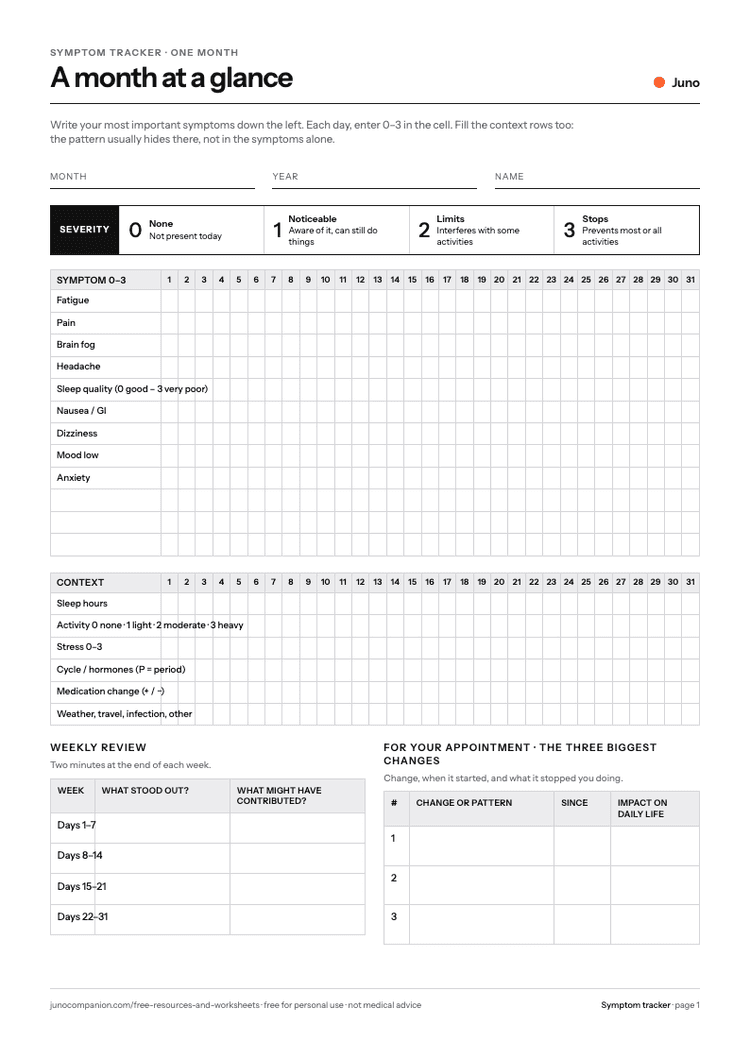
What it helps you do
- See a whole month on one page
- Rate symptoms by what they stop you doing, not by how they feel
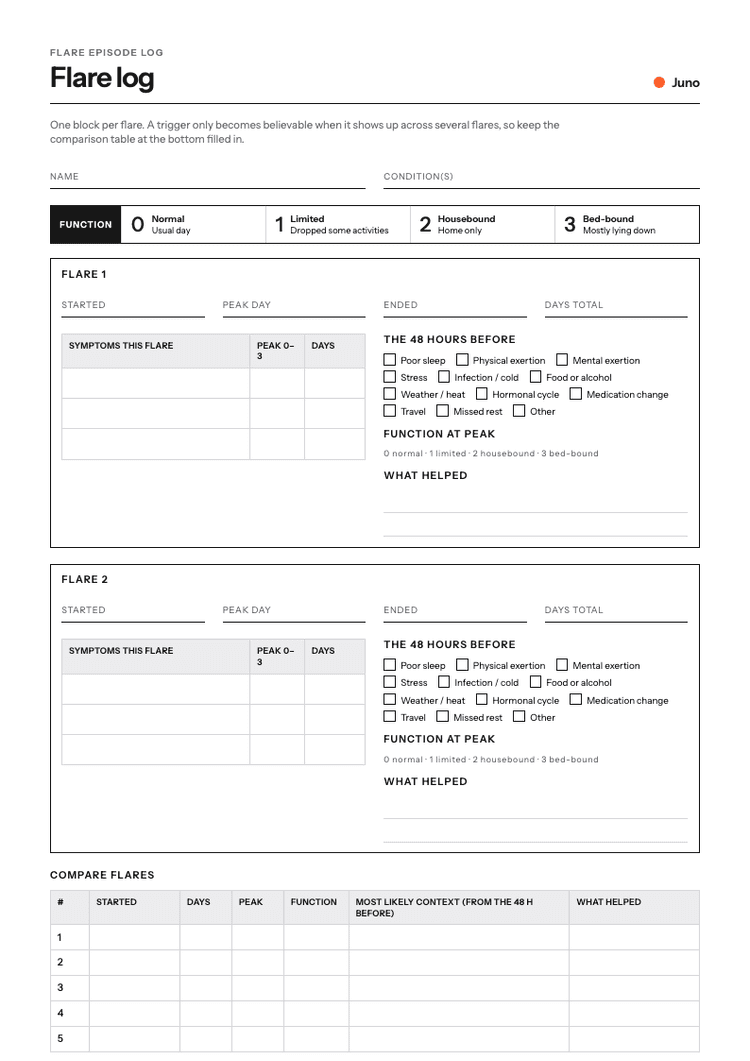
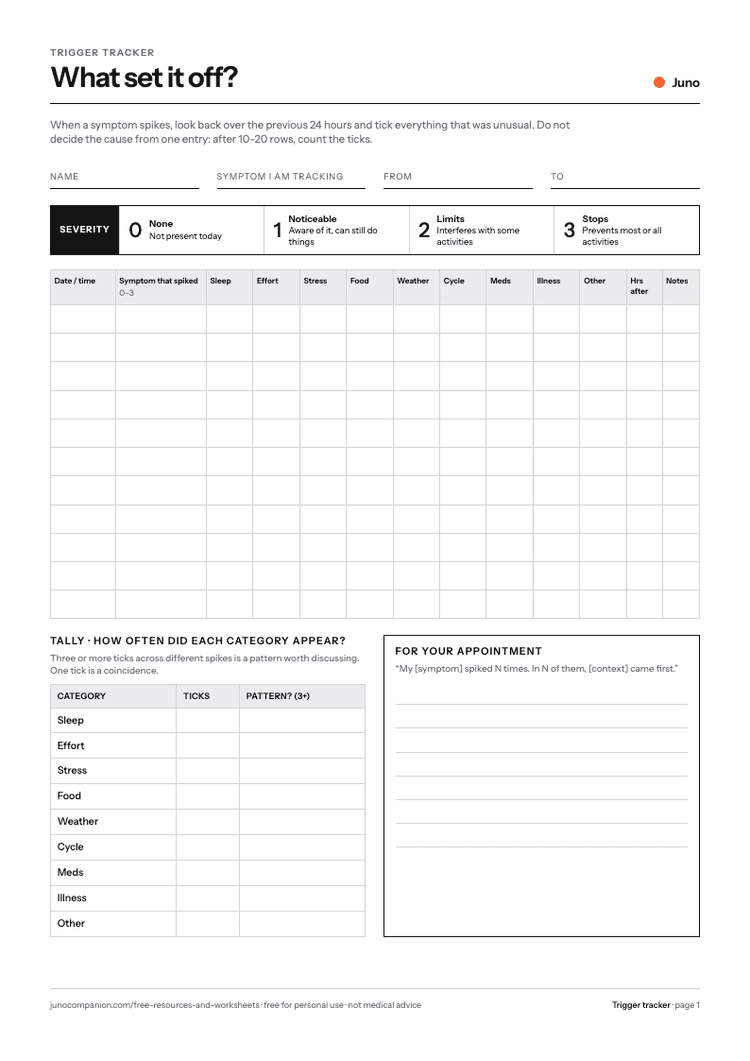
- Keep the context that explains the pattern next to the symptoms
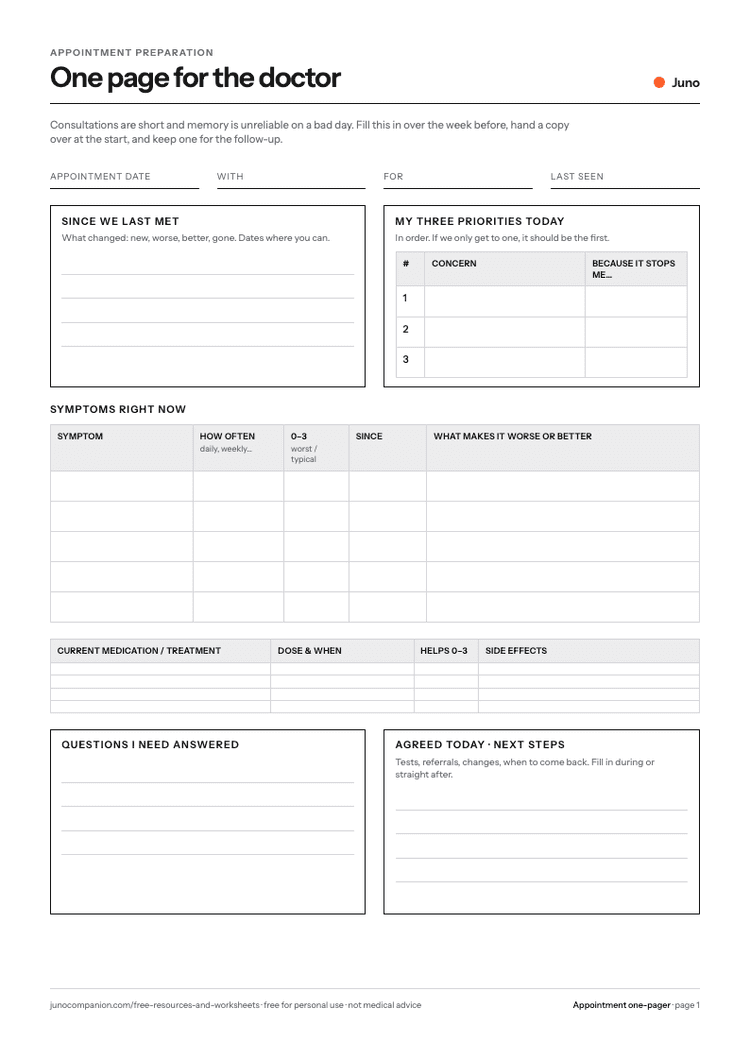
- Walk into an appointment with three clear changes
How to use it
- 1
Write your most important symptoms down the left.
- 2
Each day, put a 0–3 in the cell and fill the context rows.
- 3
Every week, note what stood out and what might have contributed.
- 4
Before the appointment, pick the three biggest changes.
What is on the sheet
- 31-day grid, 0–3 per symptom
- Severity key with functional anchors
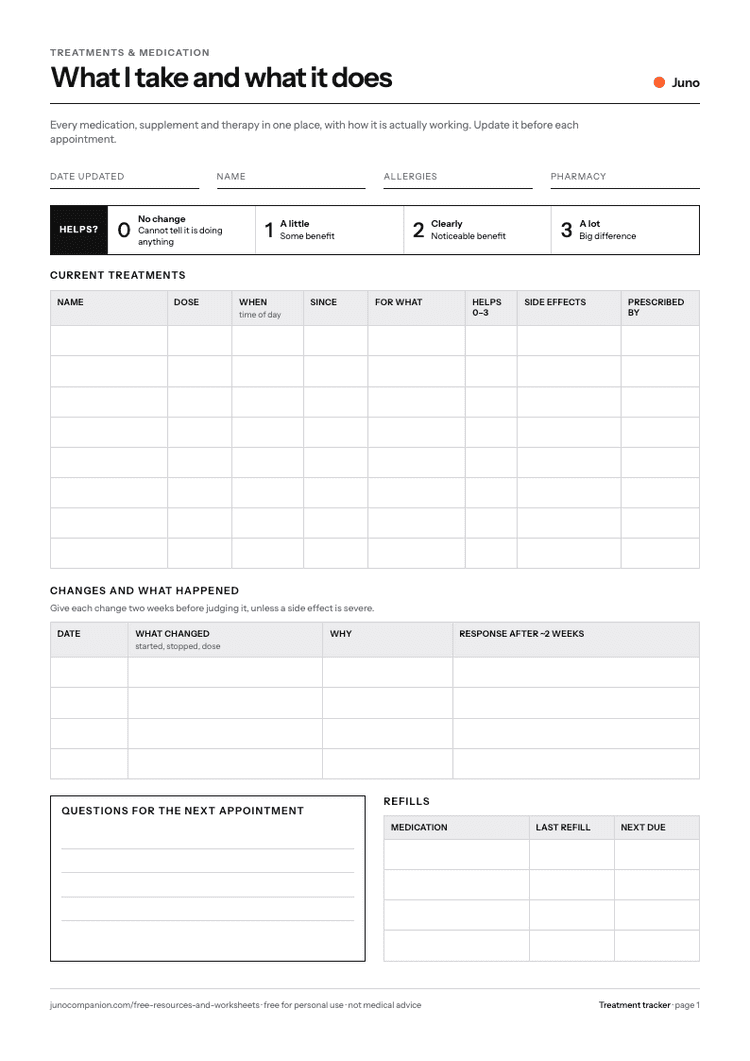
- Context rows: sleep, activity, stress, cycle, medication changes
- Weekly review
- Top 3 changes for your appointment

Prefer not to use paper?
Tell Juno what happened in a sentence and it goes onto your timeline, ready to review before an appointment.


Questions
What is the symptom tracker for?
It gives you a structured way to record health context consistently, so patterns are easier to review later.
Can I print it?
Yes. The PDF is designed to be printed or saved digitally.
Can I use it for any condition?
Yes. It is condition-agnostic and can be used alongside chronic illness, recurring symptoms, flares, mood changes, fatigue, pain, or treatment notes.
Is this medical advice?
No. This worksheet is for tracking and appointment preparation. It does not diagnose, treat, or replace advice from a clinician.
Related reading