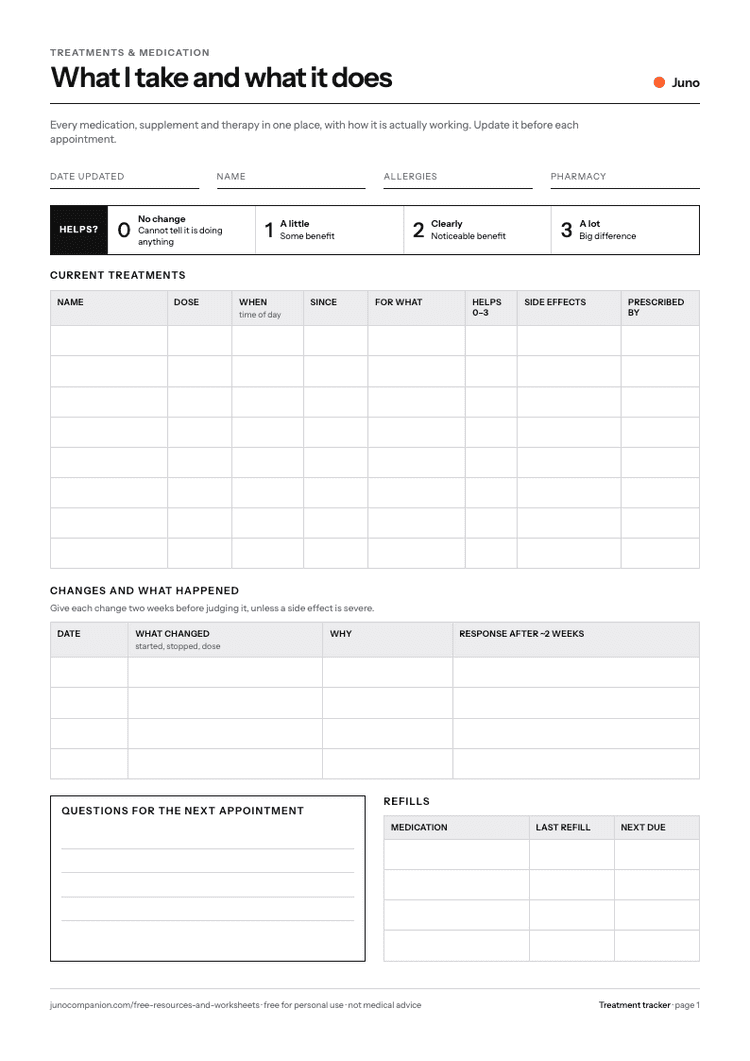
Make flare episodes easier to understand.
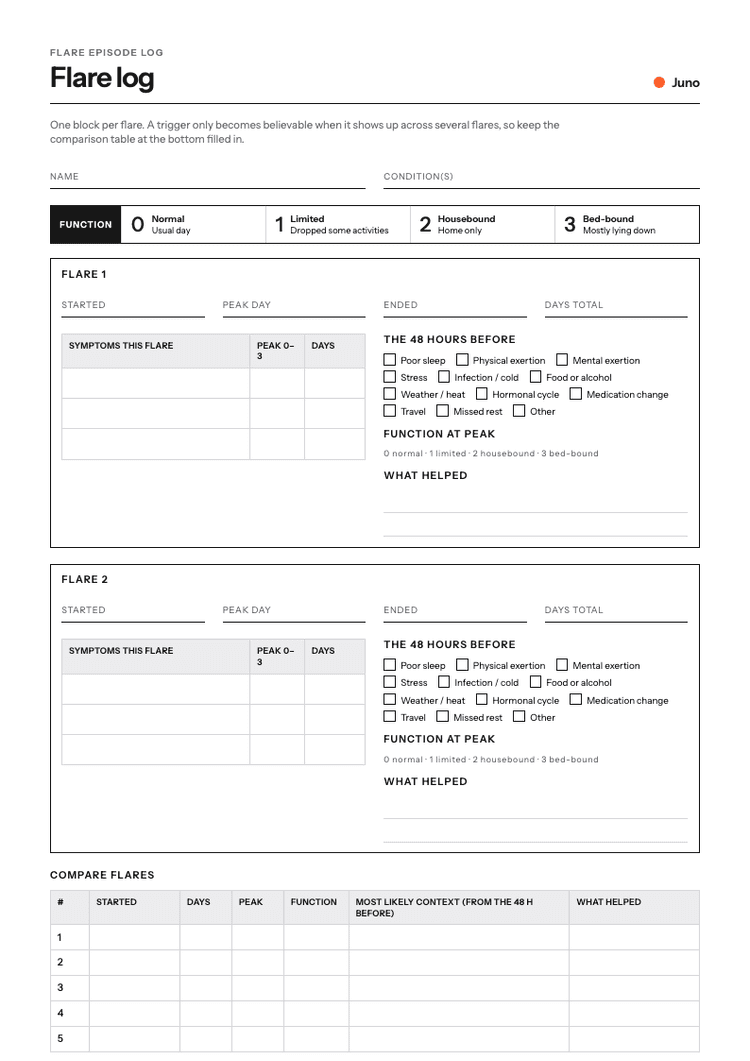
Track what happened before, during, and after a flare so the episode does not blur together.
A flare log gives each episode a clear beginning, middle, and recovery story.
What it helps you do
- Give each flare a clear beginning, peak and end
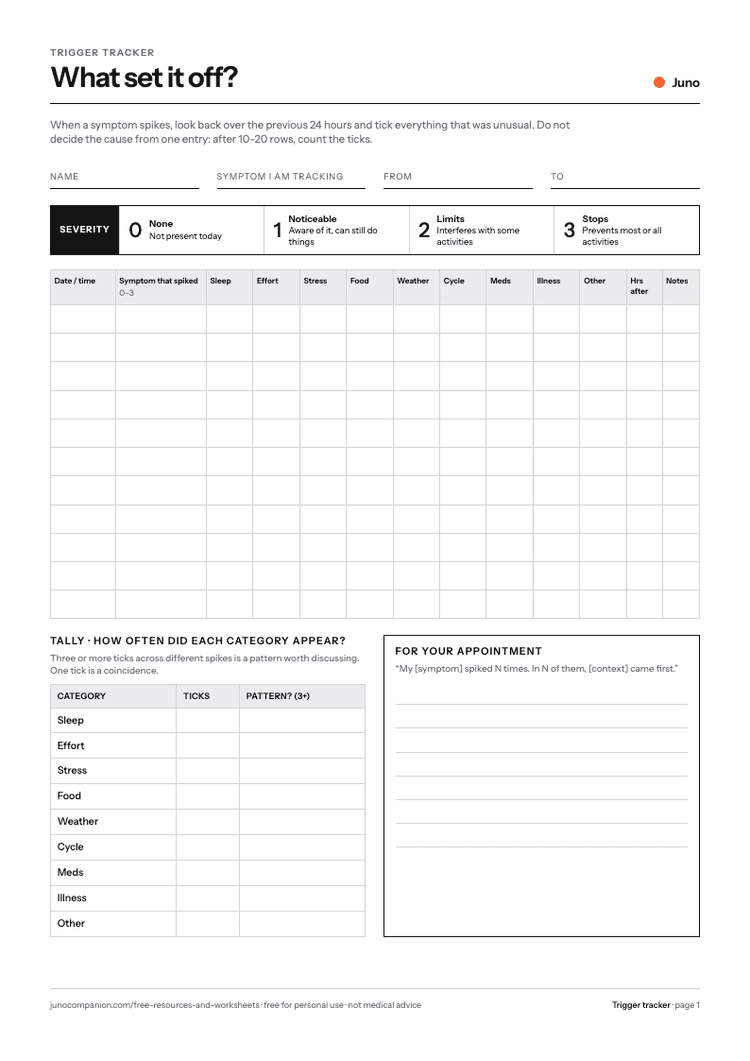
- Tick what happened in the 48 hours before instead of guessing
- Compare five or six flares before naming a trigger
- Show function loss, not just pain, to a clinician
How to use it
- 1
When a flare starts, open a block and fill the dates as you go.
- 2
Tick everything unusual from the 48 hours before.
- 3
Note what helped and how many days recovery took.
- 4
Copy each flare into the comparison table at the bottom.
What is on the sheet
- Started, peak, ended, days total
- Symptoms and peak severity 0–3
- Function at peak 0–3 (normal to bed-bound)
- The 48 hours before: 12 checkboxes
- What helped
- Compare flares table

Prefer not to use paper?
Tell Juno what happened in a sentence and it goes onto your timeline, ready to review before an appointment.


Questions
What is the flare episode log for?
It gives you a structured way to record health context consistently, so patterns are easier to review later.
Can I print it?
Yes. The PDF is designed to be printed or saved digitally.
Can I use it for any condition?
Yes. It is condition-agnostic and can be used alongside chronic illness, recurring symptoms, flares, mood changes, fatigue, pain, or treatment notes.
Is this medical advice?
No. This worksheet is for tracking and appointment preparation. It does not diagnose, treat, or replace advice from a clinician.
Related reading